
For customers
Collect rewards at the shops you love.
Start at any shop that uses Rebici. Nothing to download, no paper cards to lose. Always free.
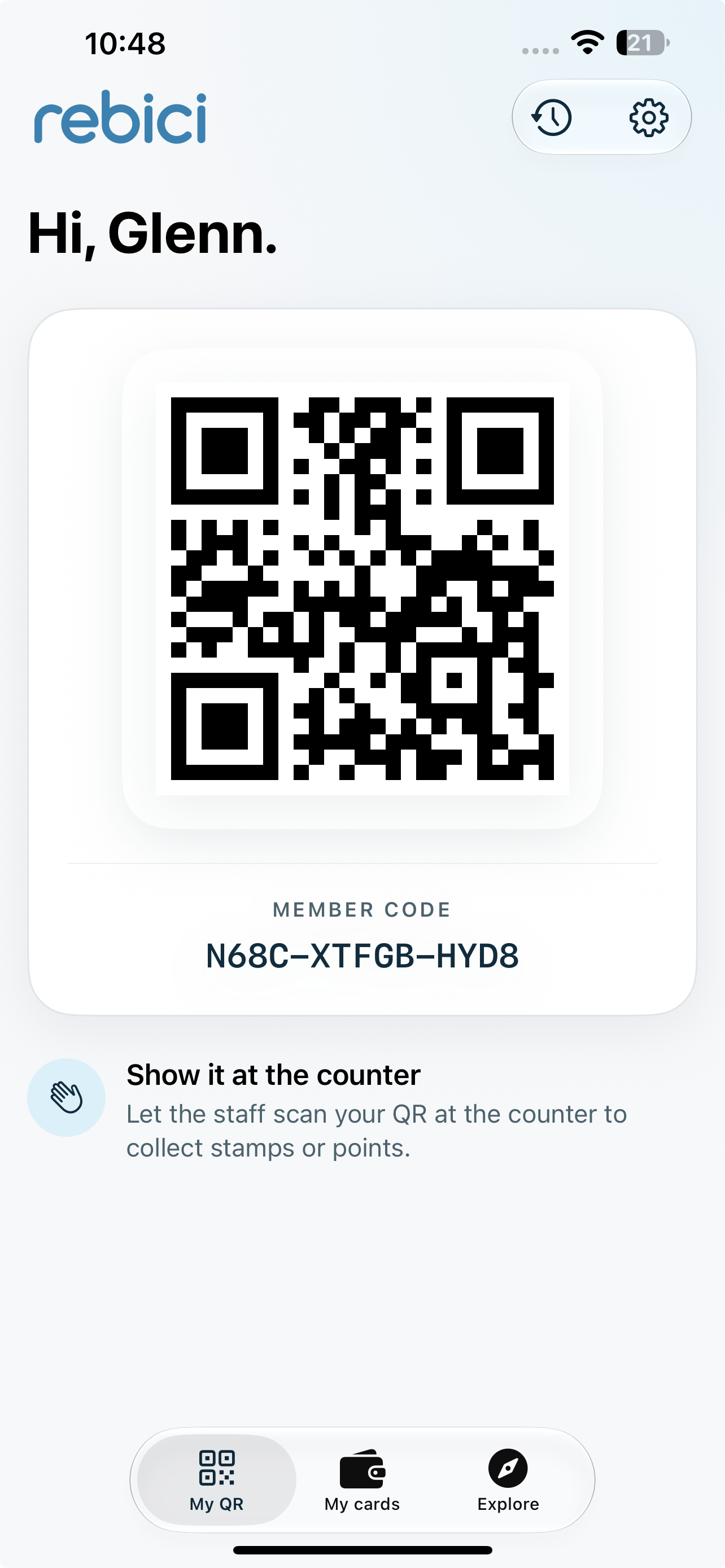
Want all your cards in one place? Get the Rebici app.


How it works for you
1. Scan to get your QR
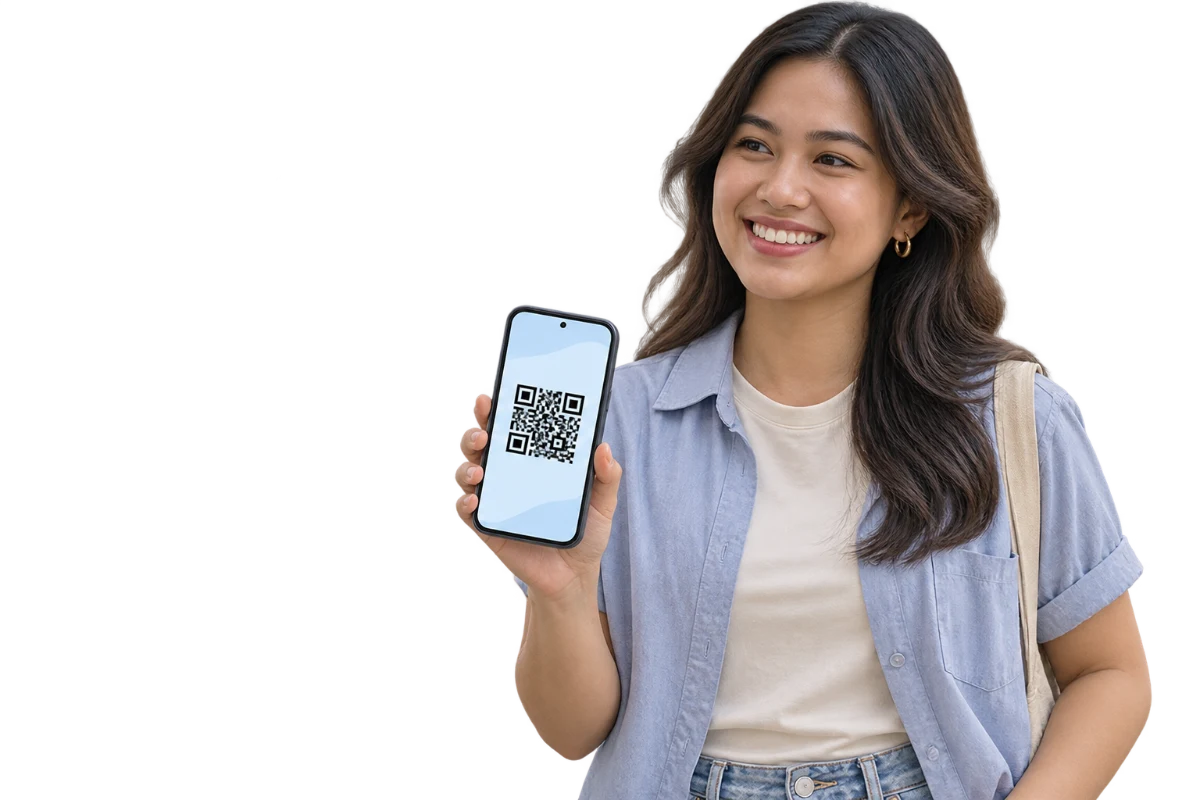
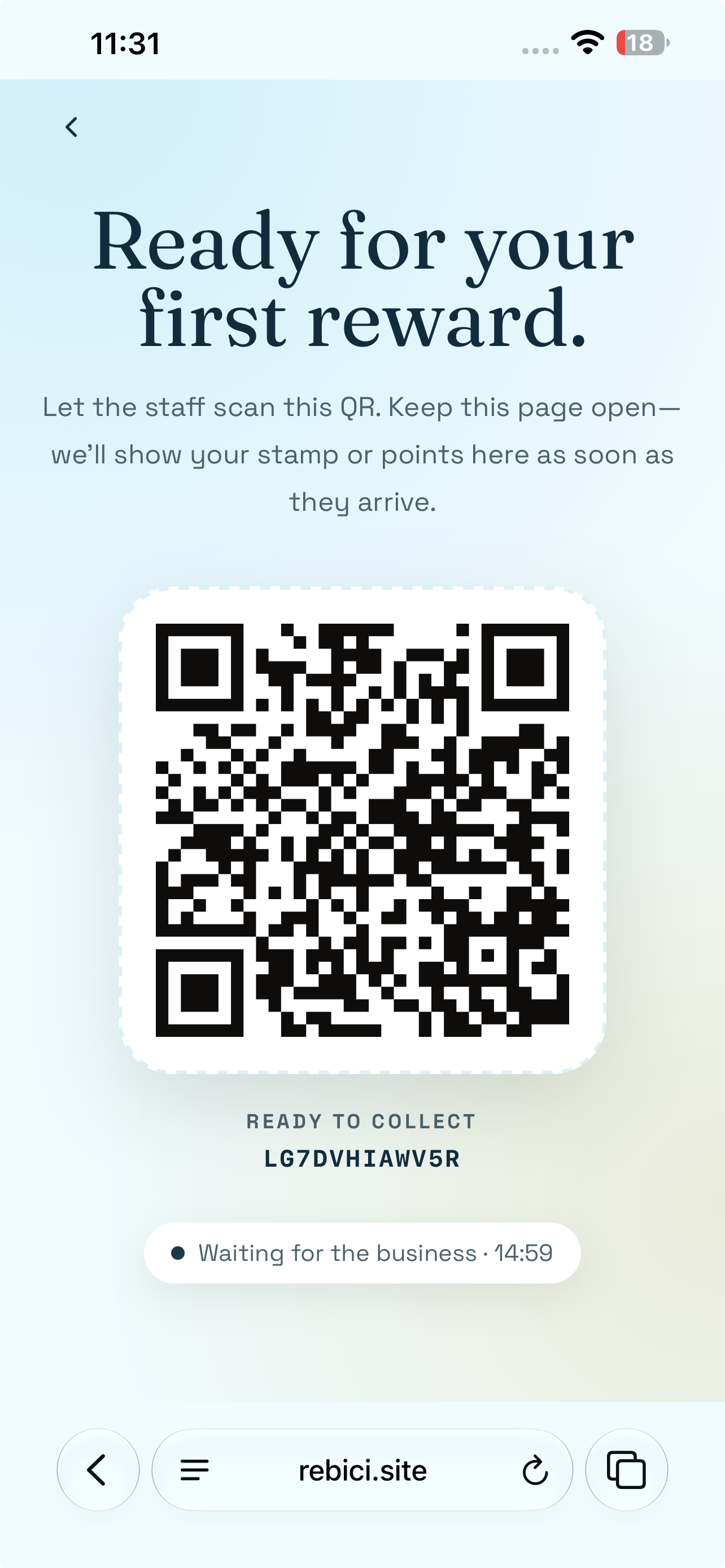
Scan the shop’s QR to open Rebici in your browser and get a temporary QR code.
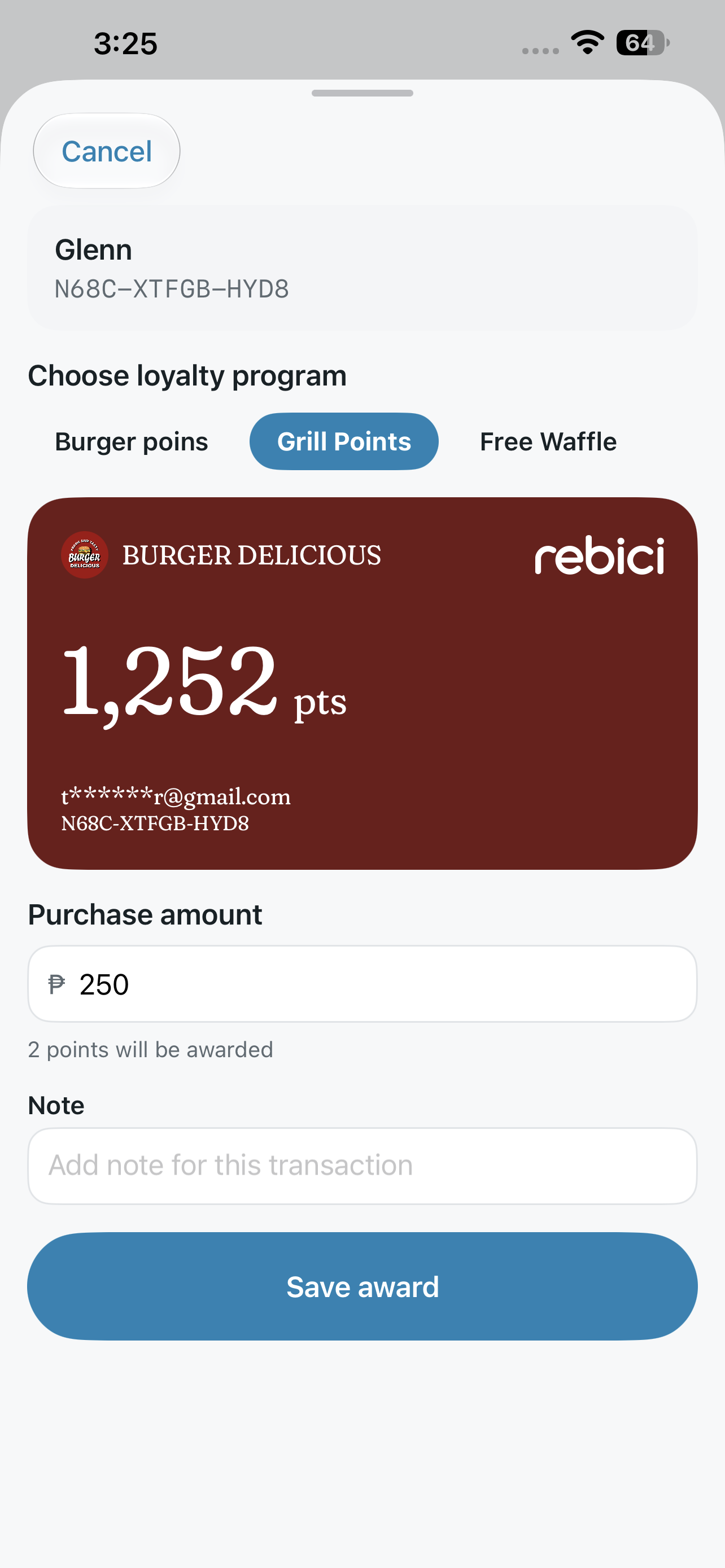
2. Show your code when you pay
Get your first stamp or points from staff, then create an account to save your progress.
3. Claim your reward
Keep collecting stamps or points. When a reward is ready, show your code at the counter to claim it.
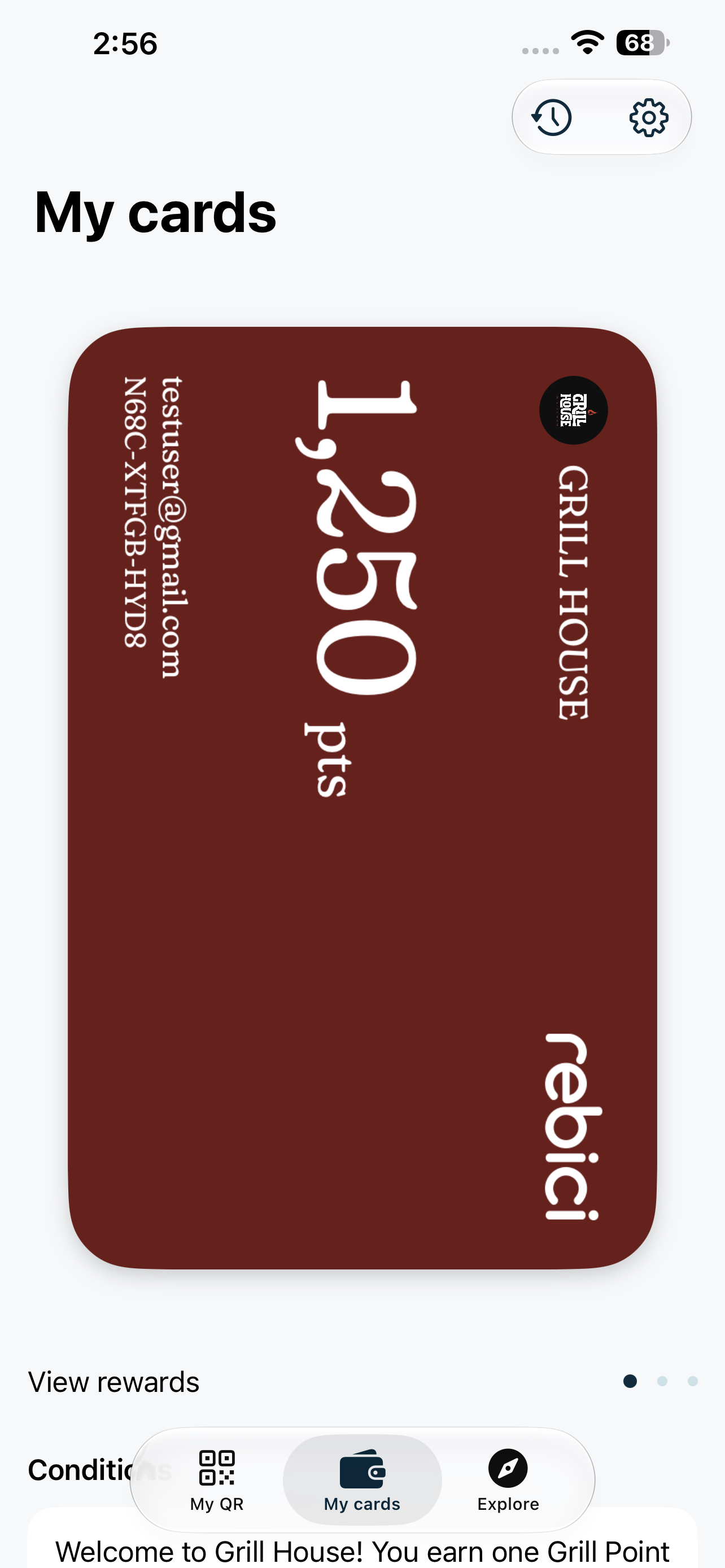
See how close you are to your next reward.
Check your stamps and points, follow your progress, and know when you’re ready to claim something you’ll love.
Questions
Do I need to download an app?
No. Scan the shop’s QR code and everything opens in your browser. The app is optional if you want all your cards in one place.
Is it free?
Yes. Rebici is always free for customers.
Why didn’t I get a stamp when I scanned the QR?
Scanning opens the shop’s page. Stamps are added by staff when you pay: show your code at the counter and they’ll scan it.
What if I change phones?
Sign in on your new phone with the same account and your cards come back. If you only used Rebici as a guest without linking a sign-in, those cards can be lost, so link one in the app.
Do my stamps expire?
Each shop sets its own rules. Every program has an end date, and a shop can also expire balances after 1 to 12 months of inactivity. By default they don’t expire from inactivity, and you’ll be notified before they do.
How do I delete my account?
You can request deletion anytime from the customer account deletion page.
