Take orders. Reward regulars. One app.
Put your menu online, take pickup and delivery orders, and give customers a reason to come back. All from Rebici Business.
Trusted by



Loyalty programs
Turn customers into regulars.
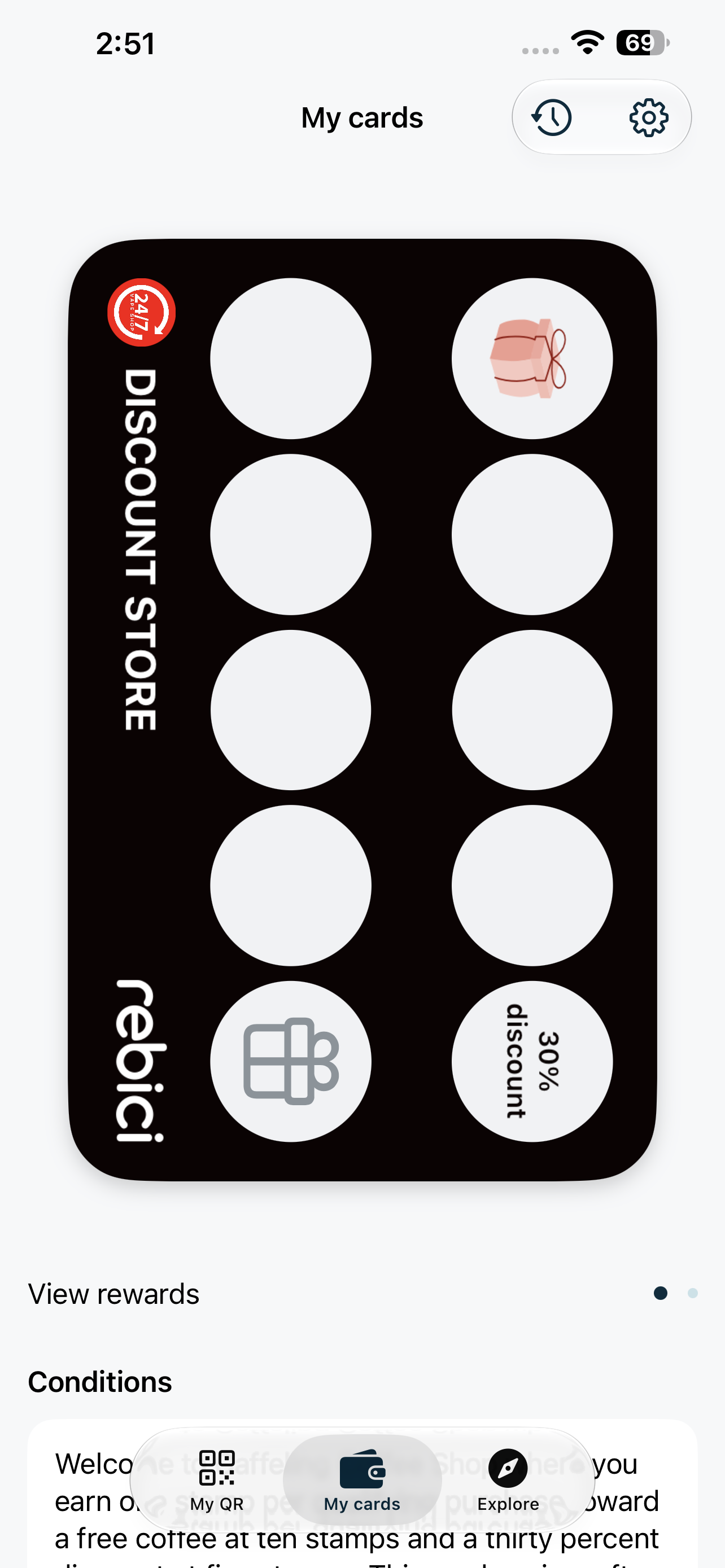
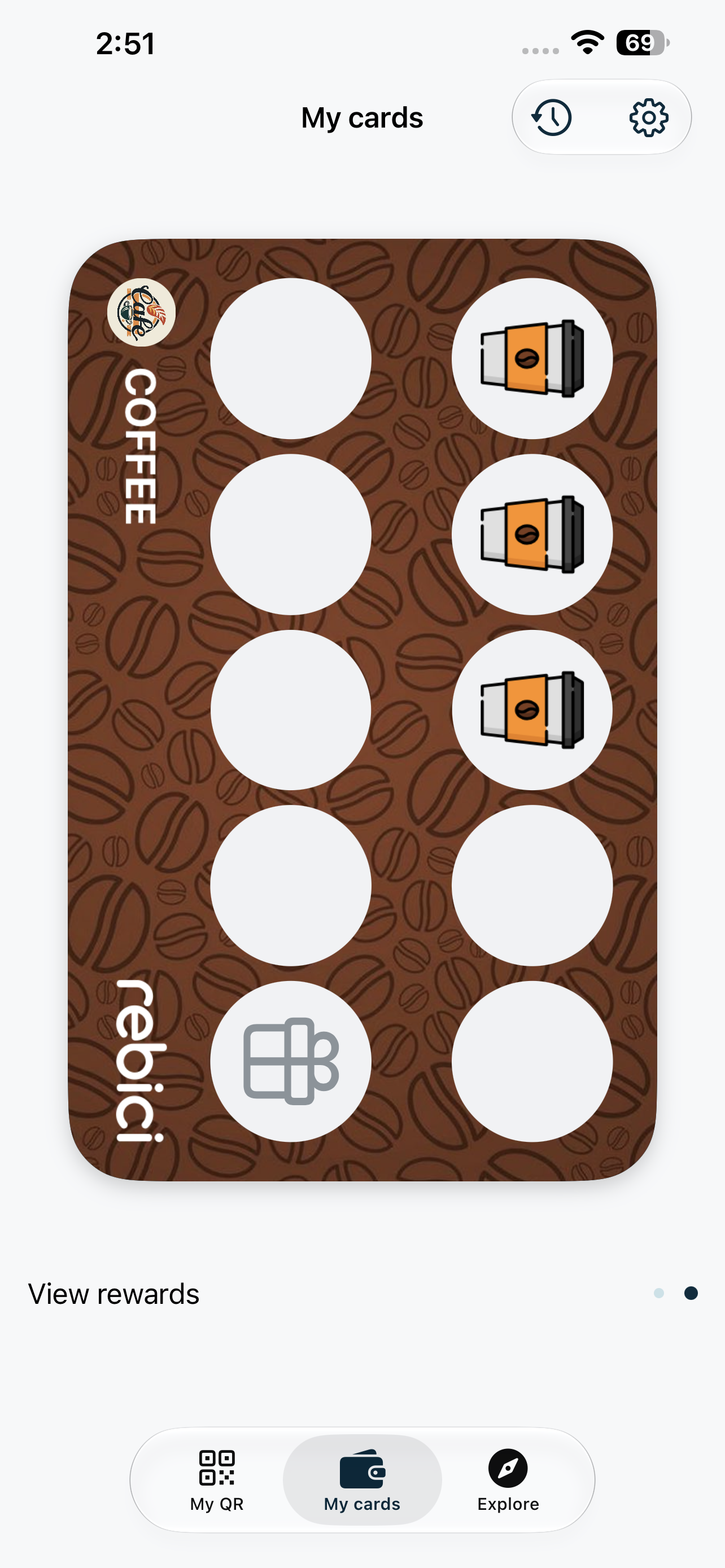
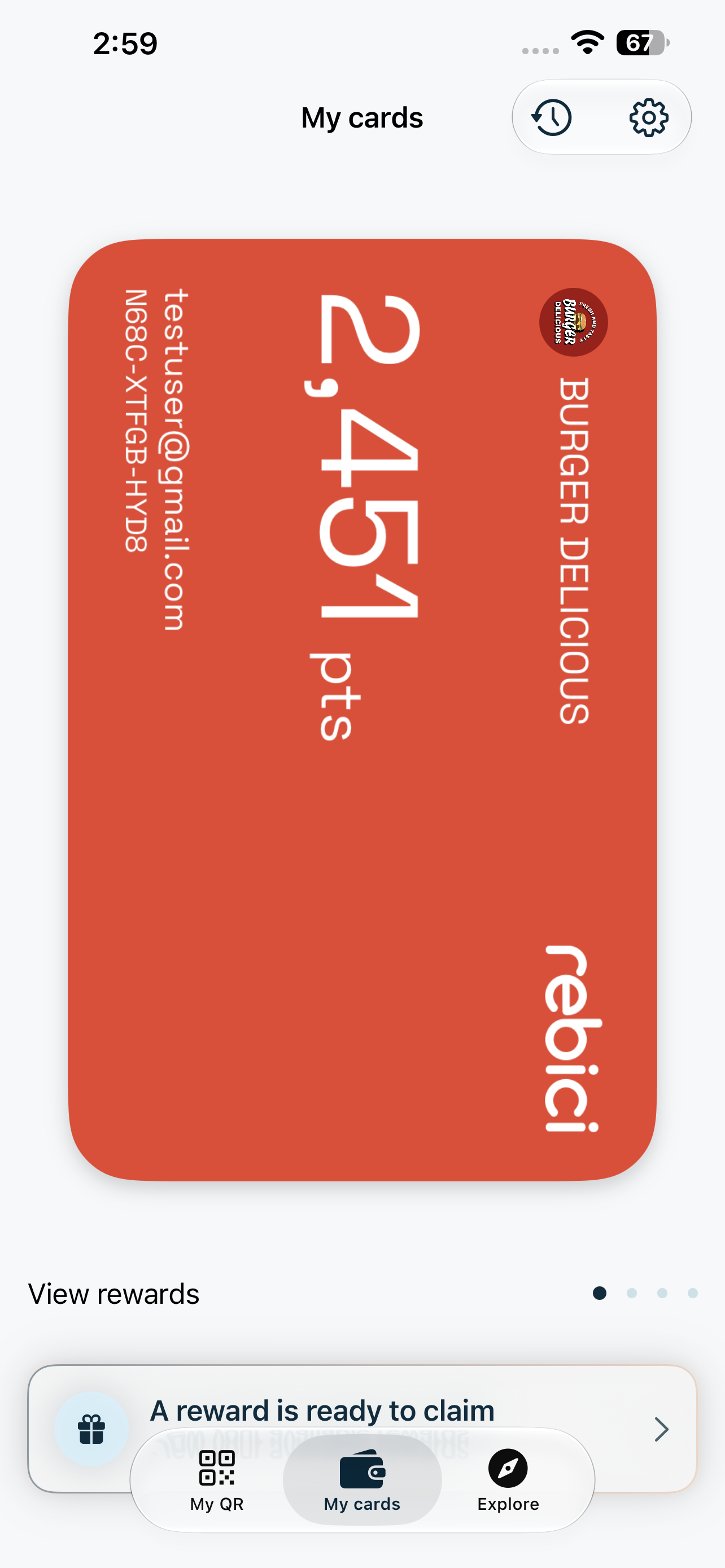
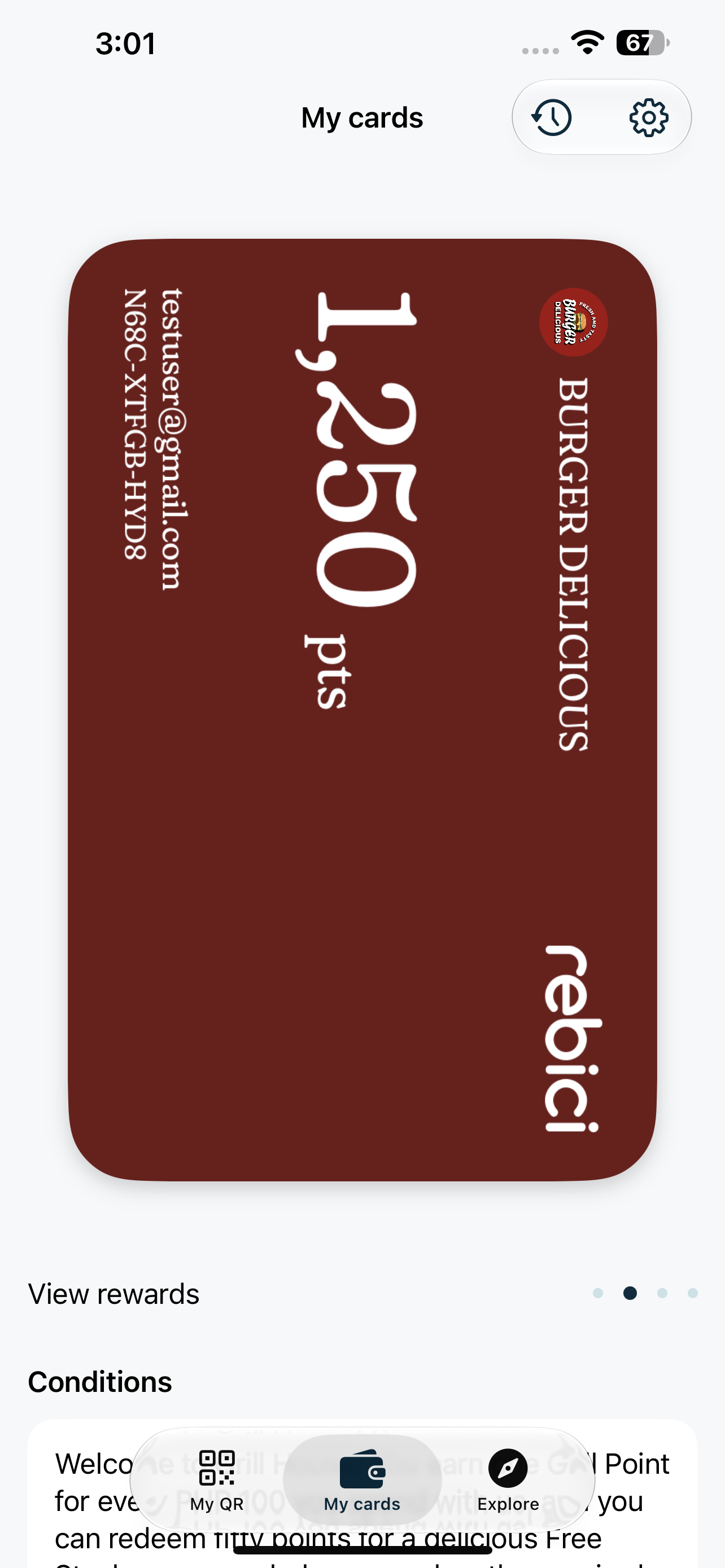
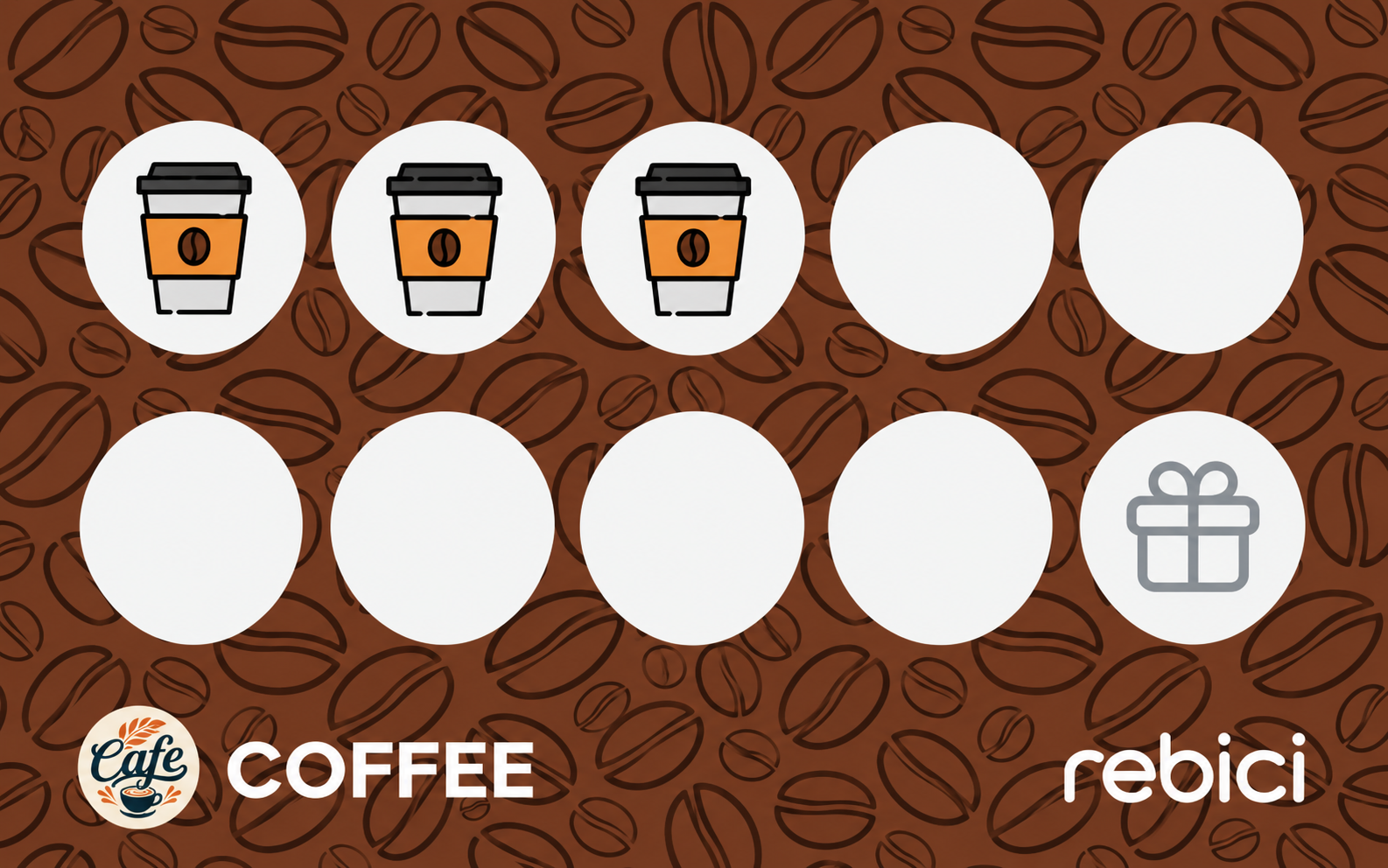
- Digital stamp cards and points rewards
- Staff PINs keep every reward honest
- See who keeps coming back
Menu ordering & delivery
Turn your menu into orders.
- Your digital menu, ready to order from
- Pickup at the counter or delivery
- Delivered by riders you approve
From first order to regular.
Customers use one Rebici account for ordering and rewards.
- 1FindCustomers open your menu from a link, or find you in the Rebici app.
- 2OrderThey add items, then choose pickup or delivery at checkout.
- 3TrackThey follow the order until it’s ready or on its way.
- 4Come backYour rewards give them a reason to choose you again.
Start free. Pay when you grow.
Free trial on every loyalty plan.
Ordering & delivery
Coming soon
Pricing to be announced
Questions, answered.
Still unsure? Email hello@rebicibusiness.com
Do I need to use both loyalty and ordering?
No. Use one or both. They live in the same Rebici Business app, so you can add the other whenever you’re ready.
When can I start taking orders?
Menu ordering and delivery are coming soon. Loyalty programs are available today. Contact us if you’d like early access to ordering.
Does Rebici provide delivery riders?
No. You approve your own riders. Only riders you approve receive your delivery requests.
Do customers need an app to order?
No. Customers can open your menu in their browser and fill a cart. To check out, they sign in or create a free Rebici account, the same account they use for rewards.
How do customers pay?
Online, or with cash at the counter or on delivery if you allow it. You choose cash options separately for pickup and delivery.
How long does setup take?
Setting up your first loyalty reward takes under 3 minutes.
Your next order. Your next regular.
Set up in minutes. Start with loyalty today, and add ordering when it launches.
Your rewards. Their next visit.